Which artwork files should I upload?+
The online studio accepts PNG, JPEG, and WebP images up to 10 MB. A transparent PNG is helpful for placing a logo without a rectangular background. Keep your original vector AI, EPS, SVG, or PDF available for the production team; these formats are not uploaded directly into the studio.
How do I make my logo readable around the holes?+
Try a larger, simplified mark and leave room around small lettering. Review the actual holes in the preview rather than designing as if the face were solid. Move fine details away from openings, and check both racket faces at a useful size before approval.
Can the inside of the triangle or the handle be printed?+
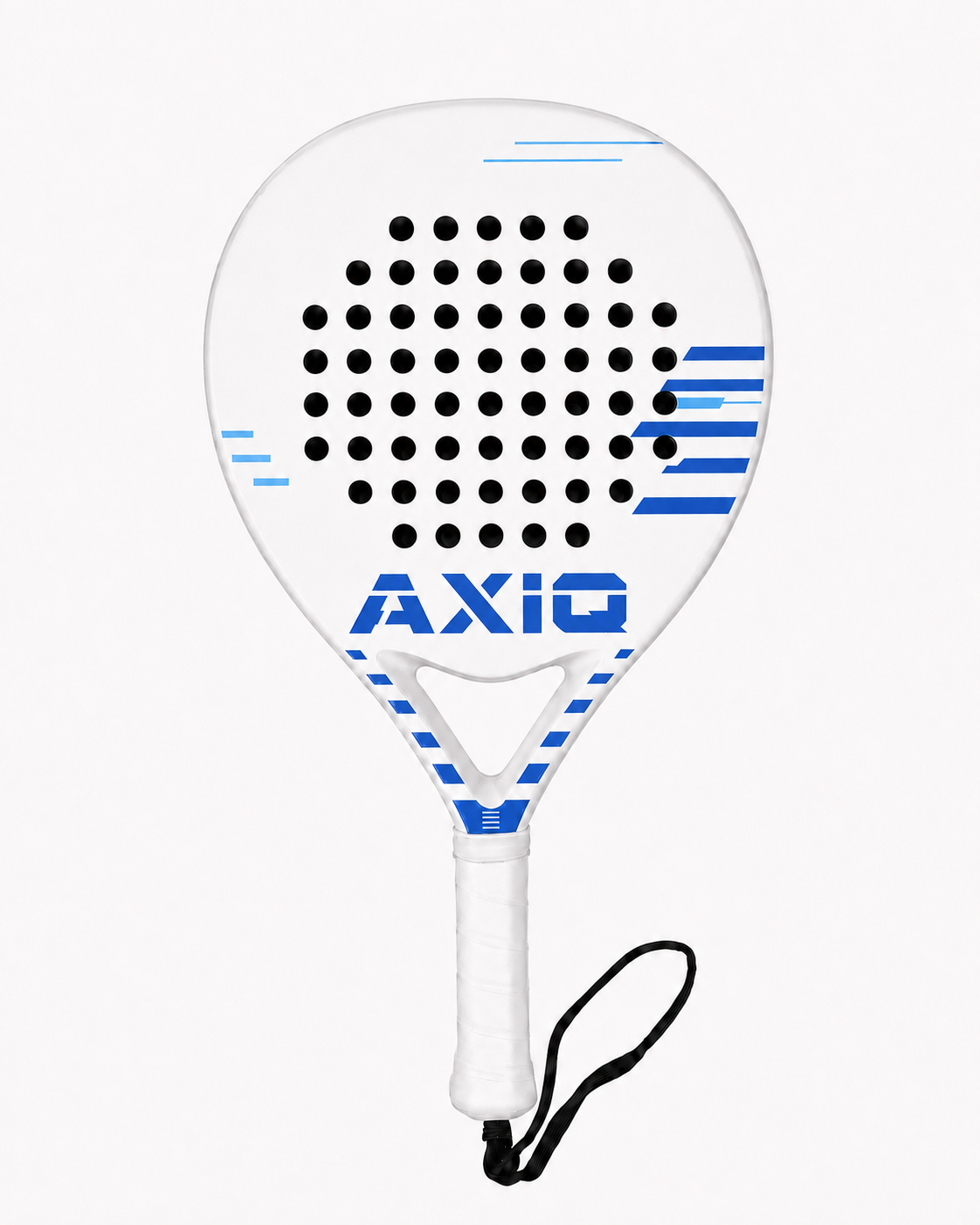
No. Artwork belongs on the flat playing face and flat front of the triangle. The holes, triangle opening, recessed inner walls, frame sidewalls, handle, and grip stay unprinted. The three-dimensional preview helps you see where the printable front stops.
Can I preview both sides of my custom racket?+
Yes. Use the front and back controls in the studio. You can apply a background color to both sides and copy artwork across, or work on each face individually. Include both views with your request so the team can confirm the final print scope and setup.
What is the difference between racket color and background color?+
Racket color chooses the white or black physical frame and matching grip. Background color is part of the printed artwork on the face. Choosing a colored background does not recolor the grip, inner throat walls, or the rest of the unprinted racket.
Will the printed colors exactly match my screen?+
A screen preview is a placement and design guide, not a promise of an exact printed color. Supply your brand color references and flag any color-critical details. Confirm reproduction with the team and approve the final mockup before production rather than judging color from a screenshot alone.